Skip to content

Cluster lifecycle

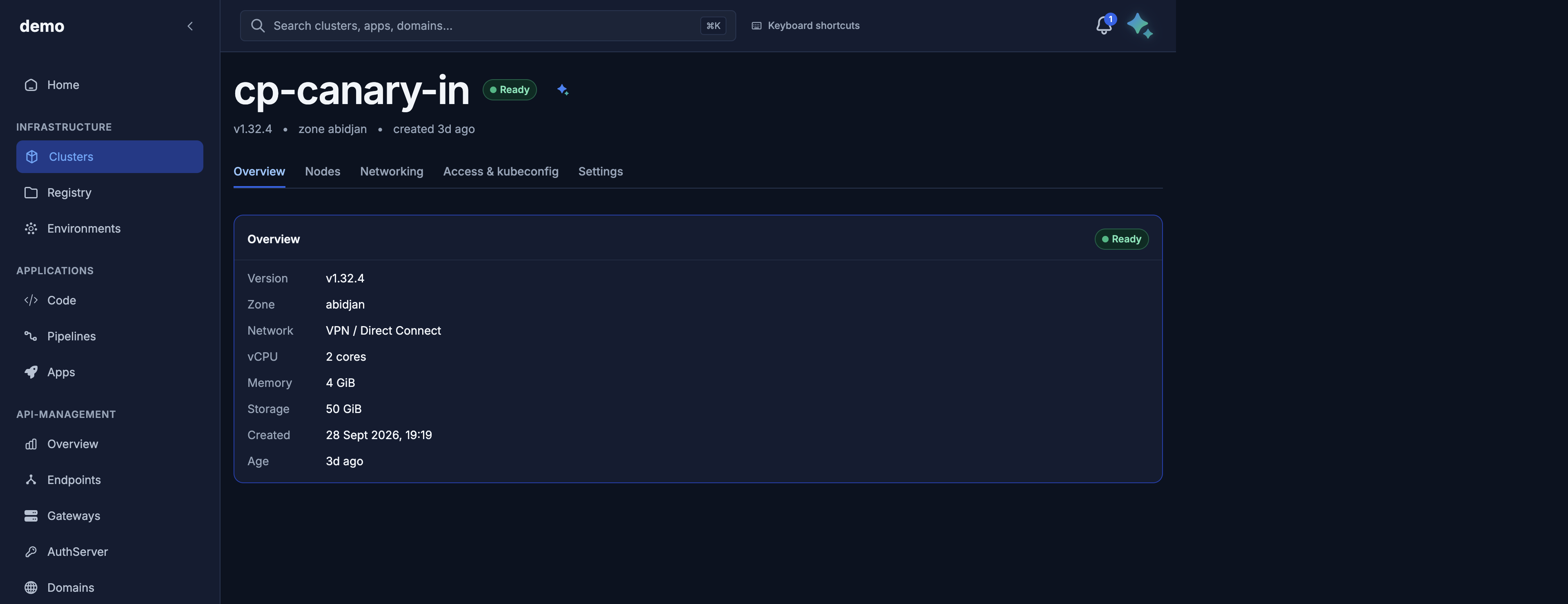
This page is the create → read → follow progress → update metadata → delete loop on /v1/public/clusters. Node pools, kubeconfig, Elastic IPs, and firewall rules have their own pages; they all require Provisioned except kubeconfig (also allowed at ControlPlaneReady) and cluster delete (any phase).

Who can do this: member can list, get, and long-poll. super_admin can create, patch, change exposure, and delete.

Create

POST /v1/public/clusters → 201 and a PublicClusterResponse with phase=Requested. Provisioning continues asynchronously.

Console: https://door.cloud/dks/clusters/new. On success the UI opens /dks/clusters/<id>/provisioning.

Maya: “Create cluster payments-prod in Abidjan with two dks.c5.xlarge workers.” Approve the confirmation card.

PublicClusterCreateRequest

extra="forbid": unknown keys (including any control-plane field) → 422.

Field Type Required Default Constraints
name DNS label yes — ^[a-z0-9]([-a-z0-9]{0,61}[a-z0-9])?$, 1–63 chars. Immutable later. Unique per organization.
organization DNS label yes — Slug or UUID. Header/query ignored on this route. Omit → 422.
zone string yes — Must exist in the catalog (abidjan). Unknown → 400.
kubernetes_version string yes — Catalog kubernetes_versions[].id (example v1.32.4). Unknown → 400.
node_pools array yes — Length 1–20. Each item is a pool (below).
exposure_mode public | private no Catalog/platform default (public today). null or empty → default. Also accepted as exposureMode.
network_mode intranet | internet no intranet. null or empty → default. Also accepted as networkMode. Immutable after create.
description string or null no null Max 16384 characters.
tags array of DNS labels no [] Max 64 entries. Replaces as a JSON array of strings.

There is no control-plane field. Door applies the control plane assigned to your organization. The zone's active catalog option is the default.

node_pools[] (PublicNodePoolRequest)

Field Type Default Constraints
name DNS label default Same pattern as cluster name. Unique among pools on the cluster.
size string — Public machine tier id (dks.c5.xlarge). Required, min length 1. Unknown → 400.
count int 1 0–200. count=0 requires auto_scale=true.
auto_scale bool false When true, max_nodes is required.
min_nodes int or null null (becomes 1 if autoscaling and omitted) ≥ 0
max_nodes int or null null ≥ 1; must be ≥ min_nodes; count must be inside [min_nodes, max_nodes] when autoscaling.
labels object string→string {} Stored on the pool record.
tags object string→string {} Stored on the pool record.

Autoscaling validation errors are 422 (create body) or 422 on later PATCH.

curl -sS -X POST "https://dks-api.apps.door.cloud/v1/public/clusters" \
  -H "Authorization: Bearer $DOOR_TOKEN" \
  -H "Content-Type: application/json" \
  -H "Idempotency-Key: 8f3a0c11-create-payments" \
  -d '{
    "name": "payments-prod",
    "organization": "acme",
    "zone": "abidjan",
    "kubernetes_version": "v1.32.4",
    "exposure_mode": "public",
    "node_pools": [
      { "name": "workers", "size": "dks.c5.xlarge", "count": 2 }
    ],
    "tags": ["frontend"],
    "description": "Payments production"
  }'

Idempotency-Key

Optional header on create and on cluster delete (and on pool PATCH).

Rule Result
Omitted Each call is a new request.
Format not ^[A-Za-z0-9_\-:.]{8,255}$ 400
Same key + same body, same organization Replay of the stored response including the original status (201 for create, 202 for delete). Header Idempotency-Replay: true.
Same key + different body 409 — key was previously used with a different payload. The error does not include another cluster's id.
?force=true on delete Counts as a different request from a non-force delete with the same key.

Use a new key per distinct create (for example a UUID).

Create status codes

Code Meaning
201 Accepted. Body is the public cluster. Watch phase.
400 Unknown zone/version/tier, empty pools, or bad Idempotency-Key.
401 Bad or missing token.
402 Prepaid organization lacks remaining create credit. Contact your Door account team.
403 Not super_admin on the target org.
404 Organization not found.
409 Cluster name already exists; Idempotency-Key reused with a different body; or networking could not be reserved for this cluster (retry or contact support).
422 Schema: extra fields, bad types, invalid DNS label, autoscaling bounds.
503 Platform capacity exhausted. Retry later or contact support.

Read

List

GET /v1/public/clusters

Query Default Notes
organization resolved org See auth.
zone all zones Example abidjan.
page 1 1-indexed.
size 20 Max 100.
include_deleted false When true, include clusters in Deleting / Deleted that still have a row. Default list hides those.

There is no phase query filter on this public list. Filter client-side on items[].phase.

curl -sS "https://dks-api.apps.door.cloud/v1/public/clusters?zone=abidjan&page=1&size=20" \
  -H "Authorization: Bearer $DOOR_TOKEN" \
  -H "X-Door-Organization: acme"

Envelope: items, total, page, size, total_pages.

Console: https://door.cloud/dks/clusters.

Maya: “List my clusters in Abidjan.”

Get one

GET /v1/public/clusters/{id} → PublicClusterResponse. Organization comes from the row (403 if you are not a member of that org, 404 if the id does not exist).

PublicClusterResponse fields

Field Type Meaning
schema_version string cluster.public.v1
id string Cluster UUID.
name string DNS name you chose.
zone string Example abidjan.
kubernetes_version string Example v1.32.4.
phase string Public lifecycle: Requested, Provisioning, ControlPlaneReady, NodesReady, Provisioned, Failed, Deleting, Deleted.
state_version int or null Monotonic cursor for /state. May be null immediately after create before the first snapshot.
progress object Server-authored narration (below).
health ok | degraded Collapsed health. Same value as progress.health.
failure_message string or null Set when Failed (and on a failed delete still in Deleting). Customer copy only.
hub_registration object Door hub registration: status pending | registered | failed, registered_at, optional reason.
default_environment object Default Door environment: status pending | ready | failed, ready_at, optional reason.
node_pools array Public pools (see node pools).
total_vcpu int or null Planned worker vCPU (autoscaling uses max_nodes).
total_memory_gib int or null Planned worker RAM.
total_volume_gib int Planned worker disk.
billable_public_ip_count int Internet-routable Elastic IPs on the cluster.
exposure_mode public | private How the Kubernetes API is reached.
network_mode intranet | internet Dataplane Elastic IP routing.
public_exposure_fqdn string or null Hostname when exposure_mode=public (pattern <cluster>-<org>-<hash>.clusters.dks.door.africa).
private_api_server_endpoint string or null https://<address>:6443 when private and the address exists; null when public.
tags string[] Your tags.
description string or null Your description.
created_at / updated_at datetime
deleted_at datetime or null Set as teardown completes.

Follow progress

GET /v1/public/clusters/{id}/state

Query Default Notes
since 0 Last state_version you saw. The call blocks until a newer version exists or the timeout hits.
timeout_seconds 25 0–60.

Response header X-State-Version equals state_version. If no snapshot exists yet: 404 no projected state for cluster … — retry GET the cluster or /state shortly after create.

Body (PublicClusterStatusResponse):

Field Meaning
schema_version cluster.public.v1
cluster_id UUID
state_version Cursor for the next since
phase Same public lifecycle as GET cluster
progress Narration block
health ok or degraded
operations In-flight or recent side activities: kind, phase, progress_pct, started_at, completed_at. Lifecycle stays Provisioned while a scale runs — watch this array, do not invent a "Scaling" phase.

progress.step is present on the create path (5 steps). It is null for Failed / Deleting / Deleted (except a failed create may still show step 3 Creating infrastructure when that is known).

Create steps (titles and messages)

Render title and message from the API. They are:

step.index (of 5) title / step.label message Typical phase
1 Request received We're preparing your cluster request. Requested
2 Validating configuration Checking your cluster settings and network plan. Provisioning (early)
3 Creating infrastructure Setting up networking and compute for your cluster. Provisioning (later)
4 Control plane ready Your Kubernetes API is online. You can download your kubeconfig while worker nodes finish joining. ControlPlaneReady
4 Worker nodes ready Worker nodes have joined. Finishing health checks and core services. NodesReady
5 Cluster ready Your cluster is ready. All core components are healthy. Provisioned

Deleting: title Deleting, message Removing your cluster's resources. This can take a few minutes. (percent null). Deleted: title Deleted, message Cluster removed. (percent 100). Failed: title Setup failed, message from the failure list below.

curl -sS \
  "https://dks-api.apps.door.cloud/v1/public/clusters/${CLUSTER_ID}/state?since=0&timeout_seconds=25" \
  -H "Authorization: Bearer $DOOR_TOKEN"

Console: /dks/clusters/<id>/provisioning. Maya: progress card after you approve create.

Update metadata

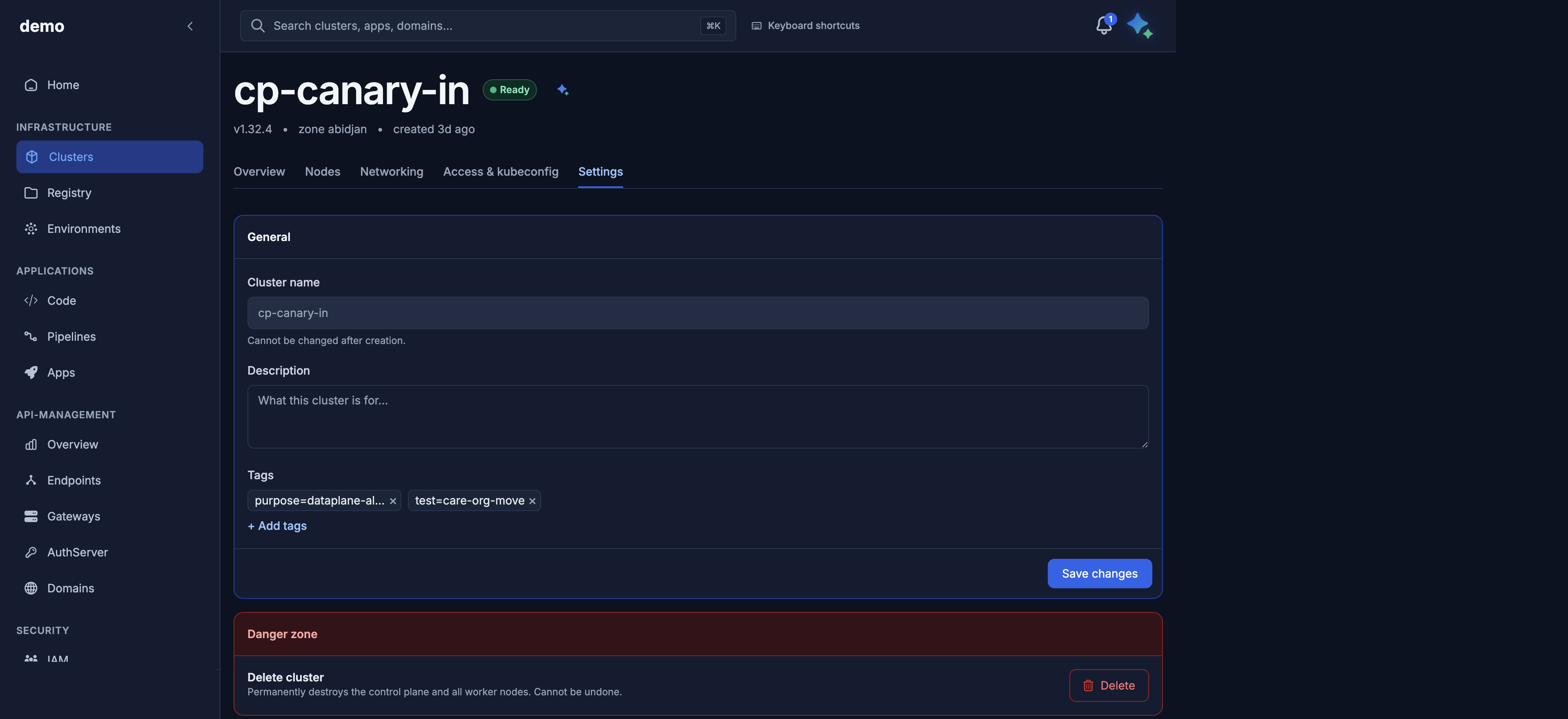
PATCH /v1/public/clusters/{id} → 200. Only tags and/or description. Omitted keys stay unchanged. description: null clears it. name is not accepted (immutable). Empty body → 422. Soft-deleted cluster → 409.

curl -sS -X PATCH \
  "https://dks-api.apps.door.cloud/v1/public/clusters/${CLUSTER_ID}" \
  -H "Authorization: Bearer $DOOR_TOKEN" \
  -H "Content-Type: application/json" \
  -d '{ "tags": ["frontend", "prod"], "description": "Payments production" }'

To flip API exposure: PATCH /v1/public/clusters/{id}/exposure with { "exposure_mode": "public" } or "private" → 202. Then re-download kubeconfig. Transient 409 means a previous change is still applying — retry. 400 if public exposure is not available for the zone.

Console: tags/description on Overview / Settings; exposure on Access & kubeconfig. Maya: “Set description on payments-prod to Payments production.”

Delete

DELETE /v1/public/clusters/{id} → 202, phase=Deleting. Idempotent: repeating delete while already Deleting does not start a second teardown (unless a failed delete needs a retry).

curl -sS -X DELETE \
  "https://dks-api.apps.door.cloud/v1/public/clusters/${CLUSTER_ID}" \
  -H "Authorization: Bearer $DOOR_TOKEN" \
  -H "Idempotency-Key: payments-prod-delete-001"

Then poll /state until Deleted. GET the id eventually returns 404. Treat that 404 as success.

Code Meaning
202 Teardown accepted.
403 Not super_admin.
404 Cluster already gone (or unknown id).
409 Door hub environments still exist. Delete those first, or pass ?force=true to tear them down with the cluster.
502 Hub environment teardown did not finish; cluster delete did not start. Retry.
503 Hub environments cannot be verified right now. Retry.

What is removed with the cluster: node pools, worker nodes, Elastic IPs, and firewall rules attached to it. You do not delete those first. Workloads on the cluster are destroyed with it.

Console: Settings → delete. Maya: “Delete cluster payments-prod.” Approve.

Failed clusters

When phase=Failed, failure_message is one of:

Message What to do
We couldn't set up networking for this cluster in this zone. Our team has been notified — please retry or contact support. Delete and recreate, or contact support with the cluster id.
Setup timed out waiting for the cluster to become healthy. You can retry, or delete and recreate. Delete and recreate.
Network routing didn't finish setting up. Support can help recover this cluster. Contact support; do not assume a recreate is enough if routing is stuck.
Something went wrong during setup (ref <cluster-id>). Contact support if this persists. Catch-all. Include that id when you contact your Door account team.

There is no "retry create" verb. Delete the failed cluster, then POST again (new Idempotency-Key). A failed delete stays in Deleting with a mapped failure_message — call DELETE again after support has cleared the blockage.

Next