Skip to content

Authentication and organizations

Every DKS catalog and cluster call needs a Door account Bearer token and an organization. This page covers how you authenticate, how Door picks the organization, which role can do which action, and what 401 / 403 / 400 / 404 mean.

Who can do this: any Door user who belongs to the organization (member or super_admin). Mutations require super_admin.

Get a Door token

The DKS API is not an identity provider. It accepts Authorization: Bearer $DOOR_TOKEN and checks that token against your Door account.

There is no documented self-service API-token minting flow for DKS. Use one of these:

  1. Console and Maya — sign in at https://door.cloud. Those UIs attach your session automatically. You do not paste a token.
  2. REST / curl — use the session token from a Door sign-in, or ask your Door account team for a token suitable for automation. Tokens expire; a 401 means sign in again or request a new token.
export DOOR_TOKEN="<token from Door sign-in or your account team>"

curl -sS "https://dks-api.apps.door.cloud/v1/catalog?zone=abidjan" \
  -H "Authorization: Bearer $DOOR_TOKEN" \
  -H "X-Door-Organization: acme"

Do not commit tokens. Do not put them in chat logs or ticket bodies.

There is no interactive try-it page for the customer API. Check the token with the curl above (GET /v1/catalog) before you script create. Every route and field is listed in the API reference.

Typical 401 details: Authorization header missing, Authorization scheme must be Bearer, Bearer token is empty, invalid bearer token. If Door cannot validate the token at all: 502 (auth backend unreachable: …).

Organization resolution

DKS never mixes organizations in one list. Reads and writes apply to a single org.

List, catalog, and other collection reads

First non-empty value wins:

  1. Query ?organization=acme (name or id)
  2. Header X-Door-Organization: acme (name or id)
  3. Your Door account's preferred organization

Name and id are both accepted. A 36-character UUID (dashes at positions 8/13/18/23) is treated as an id; anything else is treated as the organization slug (acme).

# Slug
-H "X-Door-Organization: acme"

# Same org by id
-H "X-Door-Organization: 2d887f17-4bd9-42a9-90e1-4d0937d8a76c"
# Explicit header (recommended for scripts)
curl -sS "https://dks-api.apps.door.cloud/v1/public/clusters" \
  -H "Authorization: Bearer $DOOR_TOKEN" \
  -H "X-Door-Organization: acme"

# Query wins over the header if both are set
curl -sS "https://dks-api.apps.door.cloud/v1/public/clusters?organization=acme" \
  -H "Authorization: Bearer $DOOR_TOKEN" \
  -H "X-Door-Organization: other-org"

If none of the three sources is set, the API returns 400 telling you to pass the header or query, or to set a preferred organization on your Door account. How you set that preferred organization in the Door product UI is not documented here — use the header in scripts so you do not depend on it.

Unknown organization slug or id → 404.

Create (POST /v1/public/clusters)

The JSON field organization is required (DNS label: name or UUID). The handler uses that body field only. Header and query are not read on create. Omitting organization is 422 (schema), not a silent fallback to the preferred org.

{ "name": "payments-prod", "organization": "acme", "zone": "abidjan", "...": "..." }

Per-cluster routes (/{id} and sub-resources)

The organization is taken from the cluster row. You do not need to send X-Door-Organization. Access is checked against that cluster's organization: member (or super_admin) to read, super_admin to mutate.

Roles

Door organization roles:

Role DKS meaning
member Read-only on DKS: catalog, list/get cluster, state, kubeconfig, node pools, nodes, Elastic IPs, firewall rules.
super_admin Everything a member can do, plus every mutation (create, patch, delete, scale, allocate).
Project admin Counts as organization member for DKS. It does not grant cluster create/delete.

super_admin always includes read.

Who can call which public route

“member” below means member or super_admin. Reads: OrgReadDep (list/catalog) or enforce_cluster_access(write=False). Mutations: require_org_write / require_any_super_admin plus write=True.

Method Path member super_admin
GET /v1/catalog yes yes
GET /v1/public/clusters yes yes
POST /v1/public/clusters 403 201
GET /v1/public/clusters/{id} yes yes
PATCH /v1/public/clusters/{id} 403 200
PATCH /v1/public/clusters/{id}/exposure 403 202
DELETE /v1/public/clusters/{id} 403 202
GET /v1/public/clusters/{id}/state yes yes
GET /v1/public/clusters/{id}/kubeconfig yes (default) yes
GET /v1/public/clusters/{id}/node-pools yes yes
POST /v1/public/clusters/{id}/node-pools 403 202
PATCH /v1/public/clusters/{id}/node-pools/{pool} 403 202
DELETE /v1/public/clusters/{id}/node-pools/{pool} 403 202
GET /v1/public/clusters/{id}/nodes yes yes
GET /v1/public/clusters/{id}/node-pools/{pool}/nodes yes yes
DELETE /v1/public/clusters/{id}/nodes/{node} 403 202
GET /v1/public/clusters/{id}/elastic-ips yes yes
GET /v1/public/clusters/{id}/elastic-ips/{eip} yes yes
POST /v1/public/clusters/{id}/elastic-ips 403 202
DELETE /v1/public/clusters/{id}/elastic-ips/{eip} 403 202
GET /v1/public/clusters/{id}/firewall-rules yes yes
GET /v1/public/clusters/{id}/firewall-rules/{rule} yes yes
POST /v1/public/clusters/{id}/firewall-rules 403 202
DELETE /v1/public/clusters/{id}/firewall-rules/{rule} 403 202

Kubeconfig is a read. The default contract is member or super_admin. An operator can require super_admin for kubeconfig in a given environment; if you suddenly see 403 on download, ask your account team.

A user with no super_admin on any organization is refused with 403 on write-by-id routes before the cluster is loaded, so existence is not leaked by a 404 vs 202 difference.

HTTP errors for auth and org

Code When it happens What you should do
400 No organization could be resolved on a collection read (no header, query, or preferred org). Also used for a malformed Idempotency-Key (must match ^[A-Za-z0-9_\-:.]{8,255}$). Pass X-Door-Organization or ?organization=, or fix the key.
401 Missing, malformed, expired, or rejected Bearer token. Sign in again or obtain a new token.
402 Prepaid organization lacks credit for create or scale. Top up credits, or contact your Door account team.
403 Token is valid but you lack the role on that organization (member for reads, super_admin for writes). Also returned when you call a cluster that belongs to an organization you are not in. Use an account with the right role, or the right organization.
404 Unknown organization slug/id, or unknown cluster id. Check the name/id. List clusters in your org rather than guessing ids.
502 Door could not validate the token right now (auth backend unreachable). Retry. If it persists, contact your Door account team.

Validation of JSON bodies is separate: 422 for schema problems (wrong types, extra fields, empty PATCH), 400 for values the catalog does not support (unknown zone, version, or machine tier).

Cross-organization isolation

  • GET /v1/public/clusters only returns clusters for the resolved organization.
  • A cluster id from another organization is not in your list.
  • GET /v1/public/clusters/{id} for a cluster you do not belong to returns 403. An id that does not exist at all returns 404.
  • Mutations on another organization's cluster fail the same way (403 or 404). You cannot create a cluster into an organization where you are not super_admin.

Do not share cluster ids across tenants as a security boundary — isolation is enforced by role checks, not by hiding every id.

List filters (zone, page, size) never see another organization's clusters. Creating with "organization": "someone-else" fails unless you are super_admin there (403 or 404 if the slug does not exist).

One Door user can belong to several organizations with different roles. Switch X-Door-Organization (or ?organization=) per request. On by-id routes the cluster's organization always wins over whatever header you send.

Console and Maya

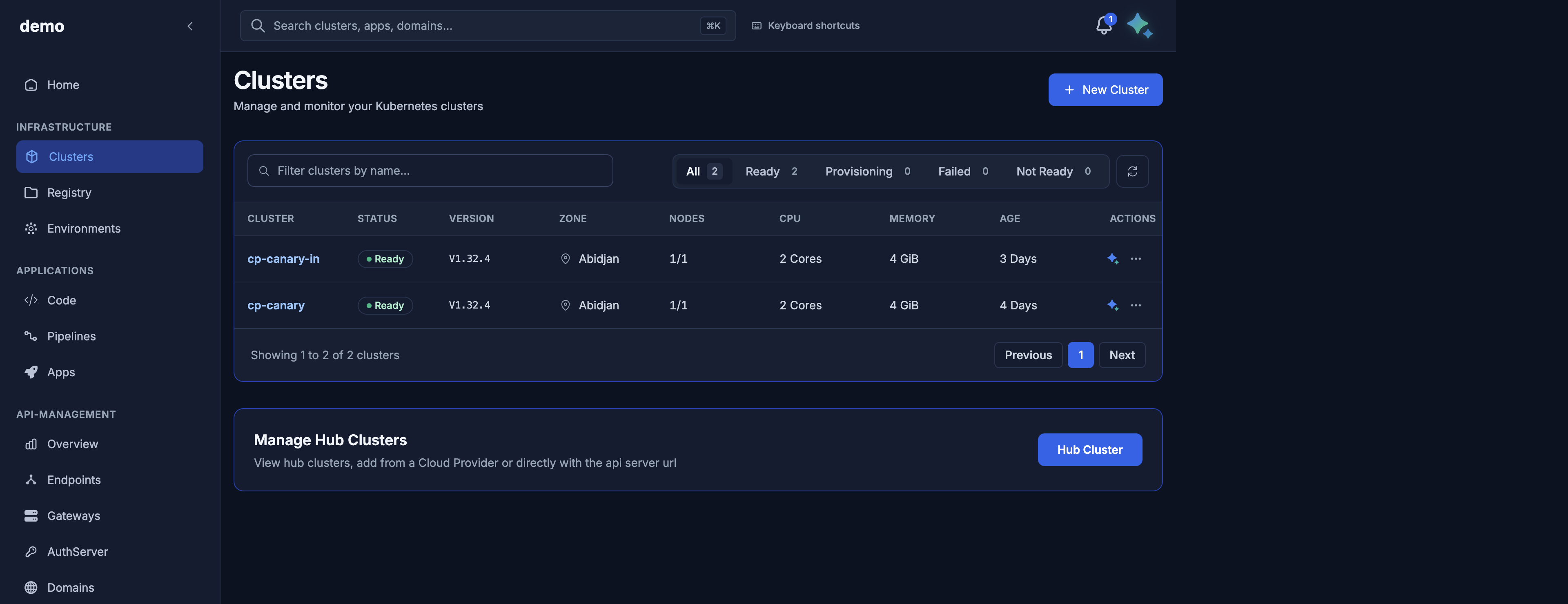
Console: sign in, select the organization, then use https://door.cloud/dks/clusters. The UI sends the Bearer session and organization for you.

Maya: open the assistant while the intended organization is selected. Example: “List clusters in this organization.” Maya uses the same account. Approvals for create/scale/delete run as super_admin actions — a member will see those fail with a permission error.

Next